How many people came in today
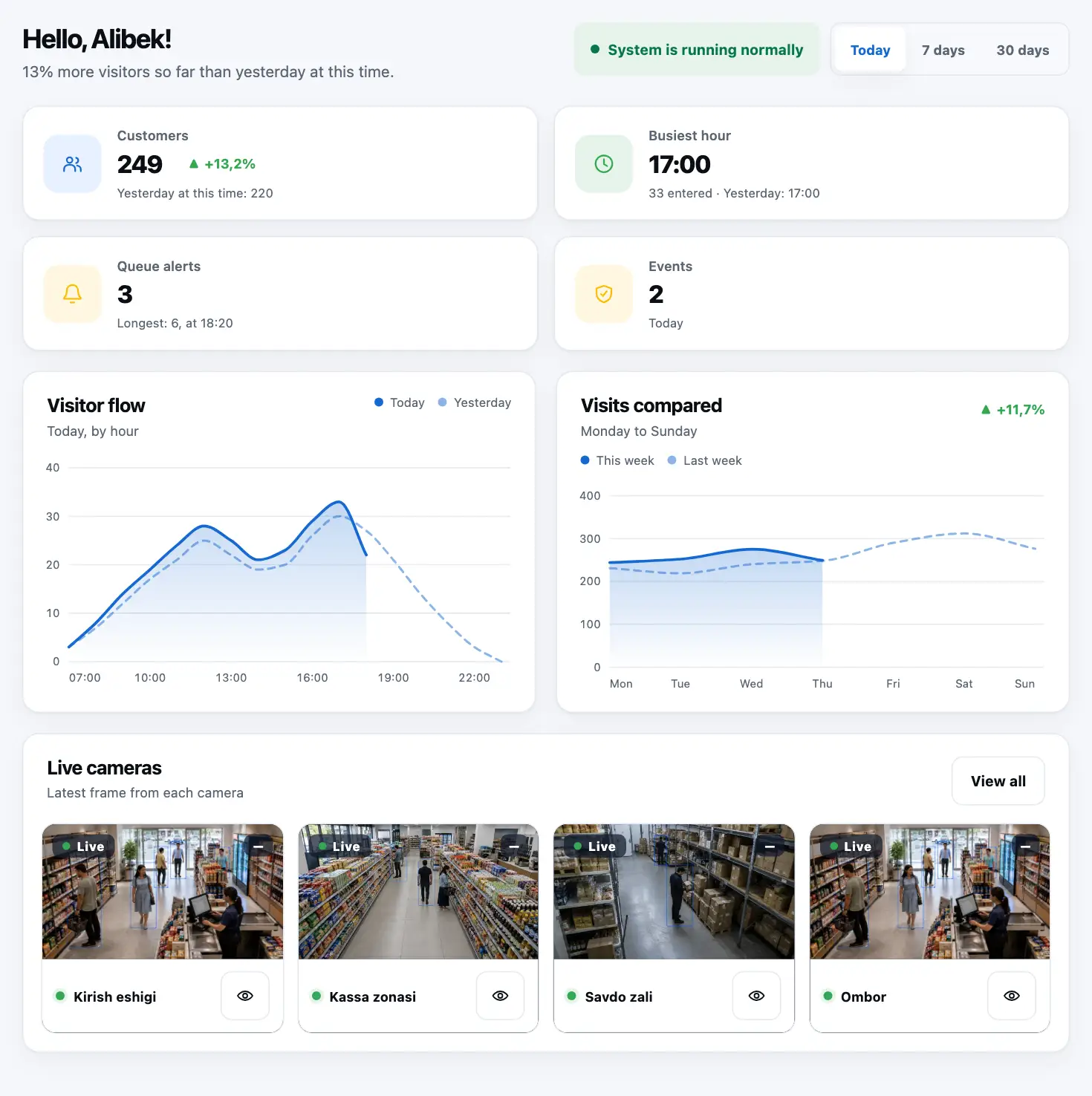
Entries and exits are counted separately, by hour. Compare with yesterday and last week.
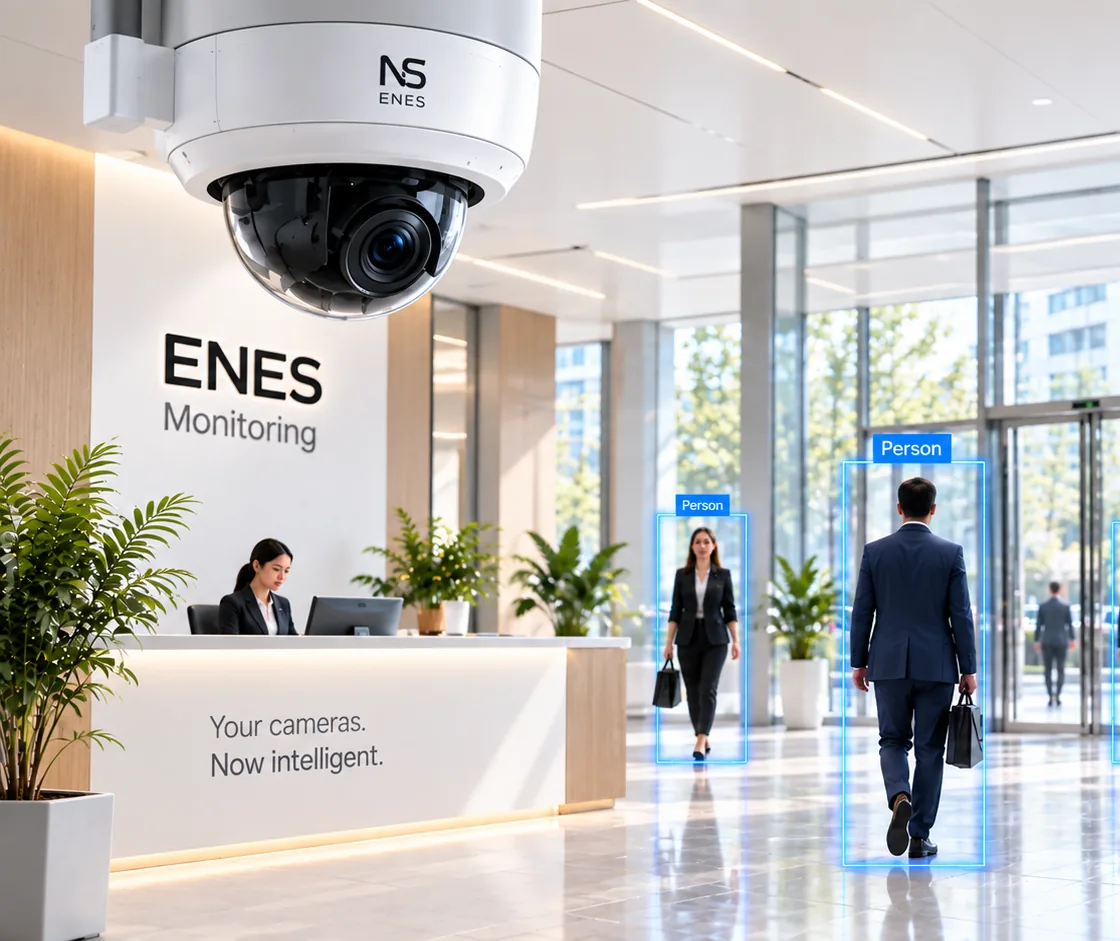
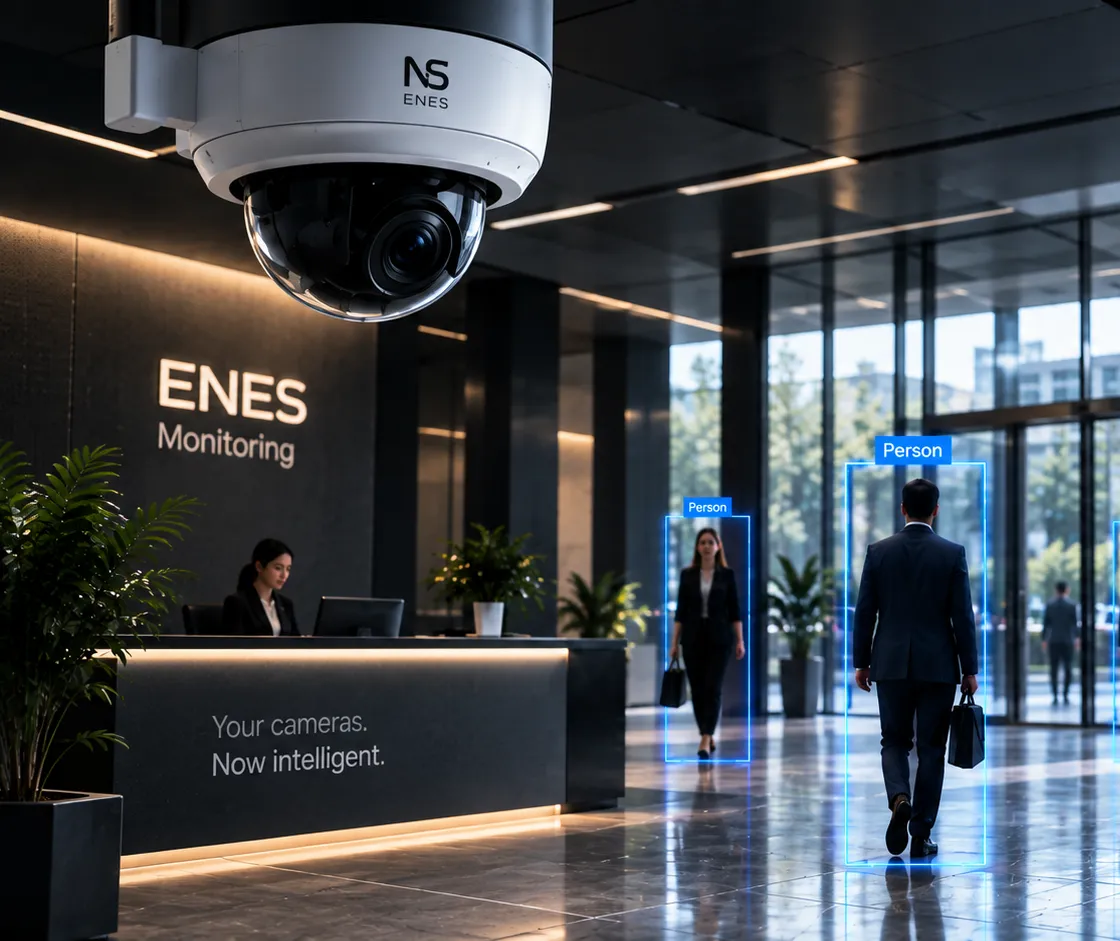
Your cameras no longer just record. They count visitors anonymously, watch the checkout queue and send what matters to Telegram. Full video stays on your PC and NVR.
 Live · Camera 01 — Entrance
Visitors today
486 +12.5% vs yesterdayWhat you get
Each card answers one measurable question — no vague promises.
Entries and exits are counted separately, by hour. Compare with yesterday and last week.
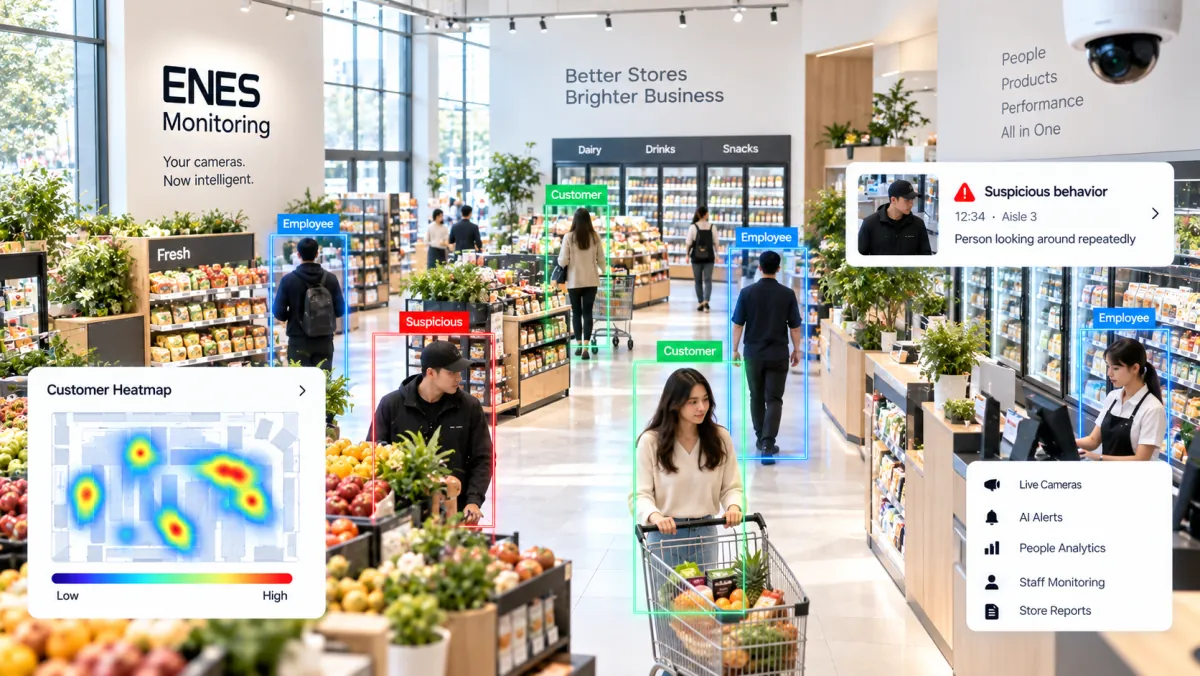
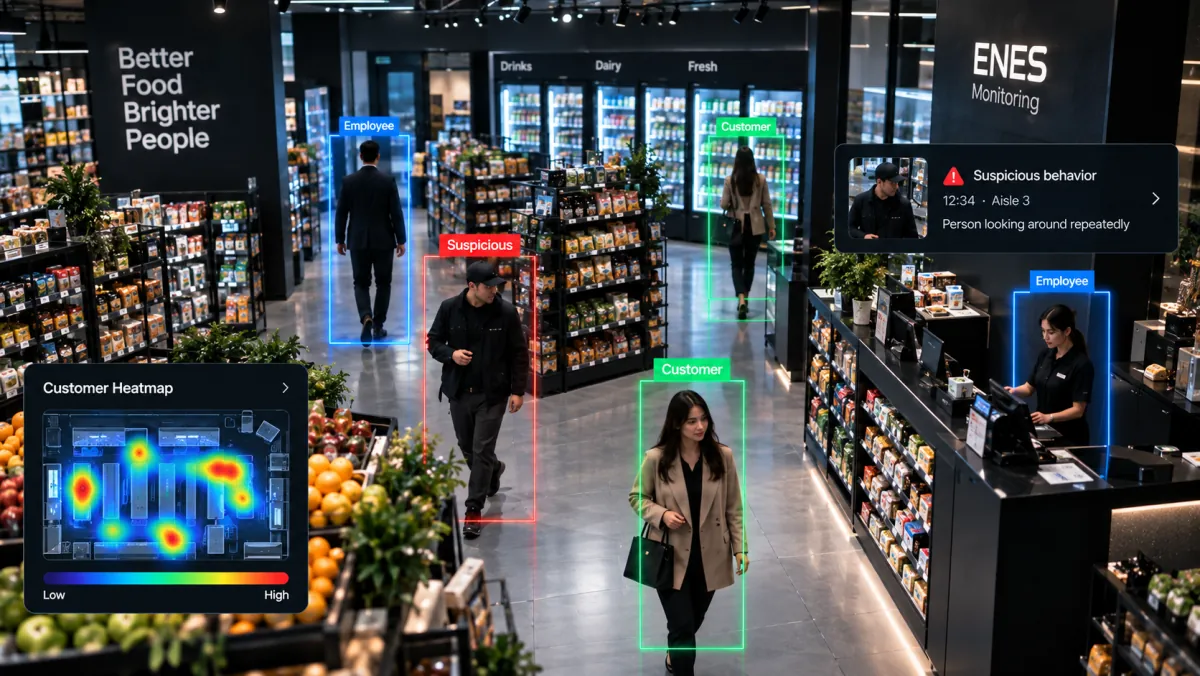
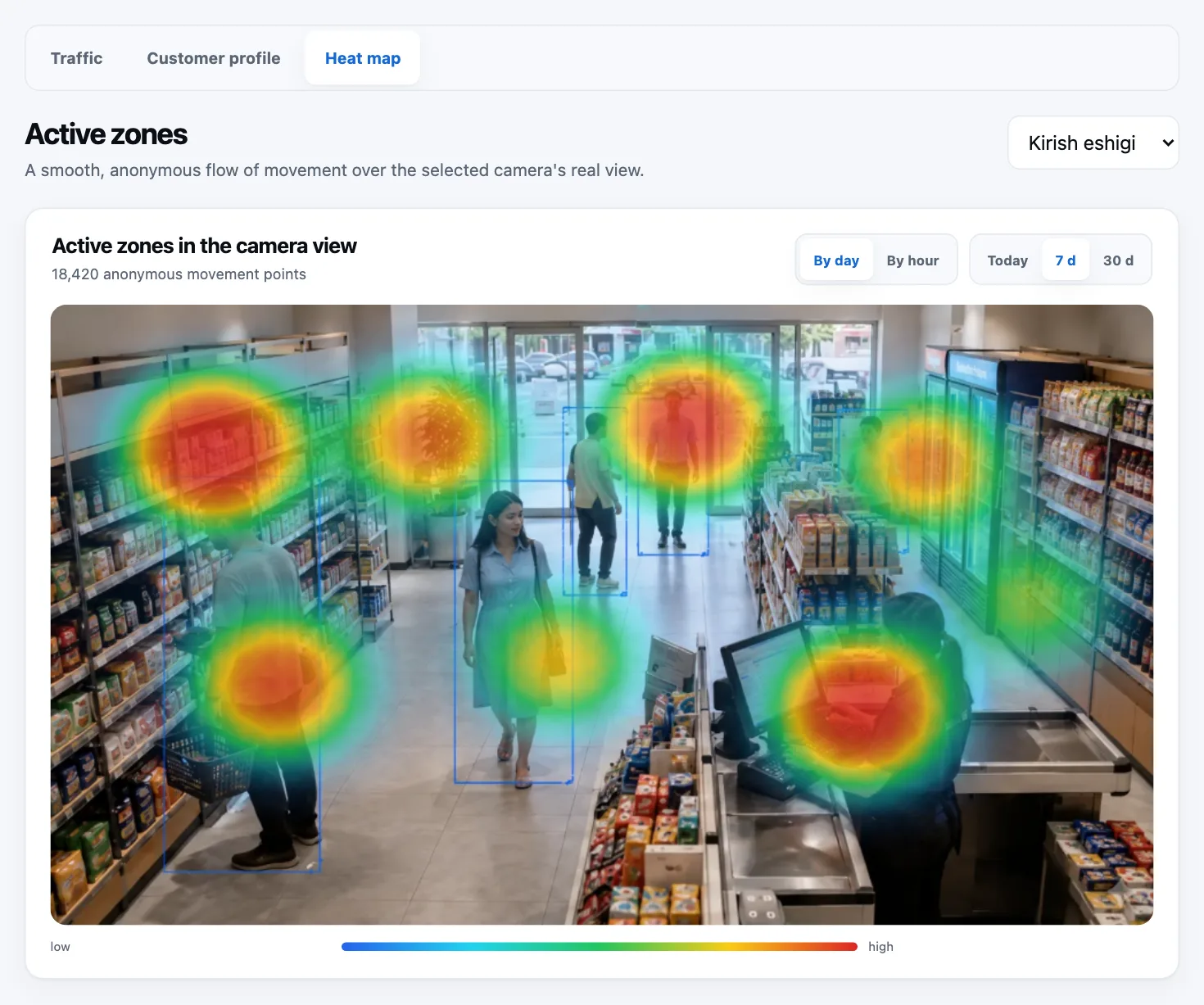
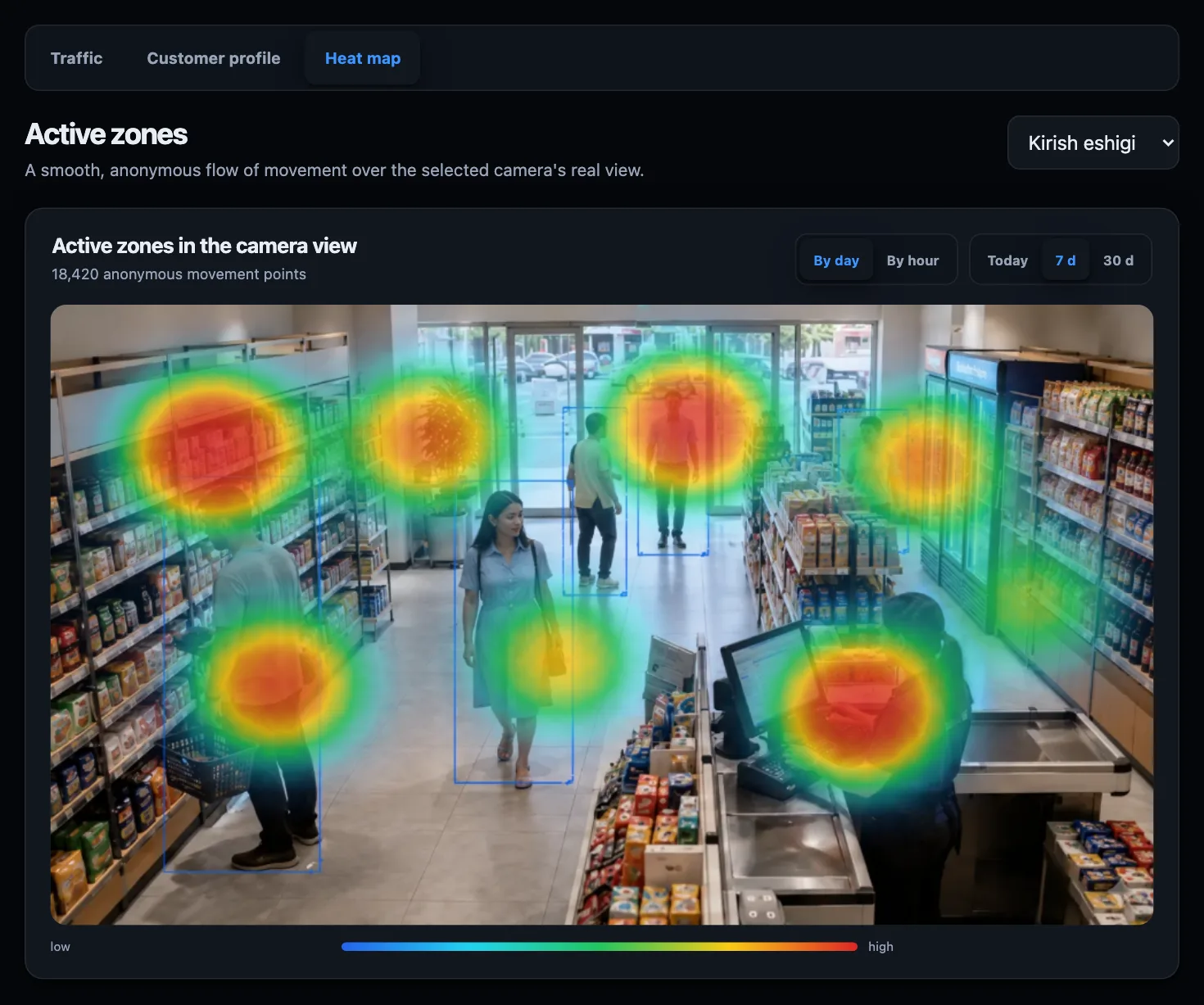
The shop heat map shows hot and cold spots — so you know where to place products.
A Telegram message with a photo. You are also told if a camera is covered, turned or goes offline.
How many people are waiting and for how long. That tells you when to open a second till.
AI analysis
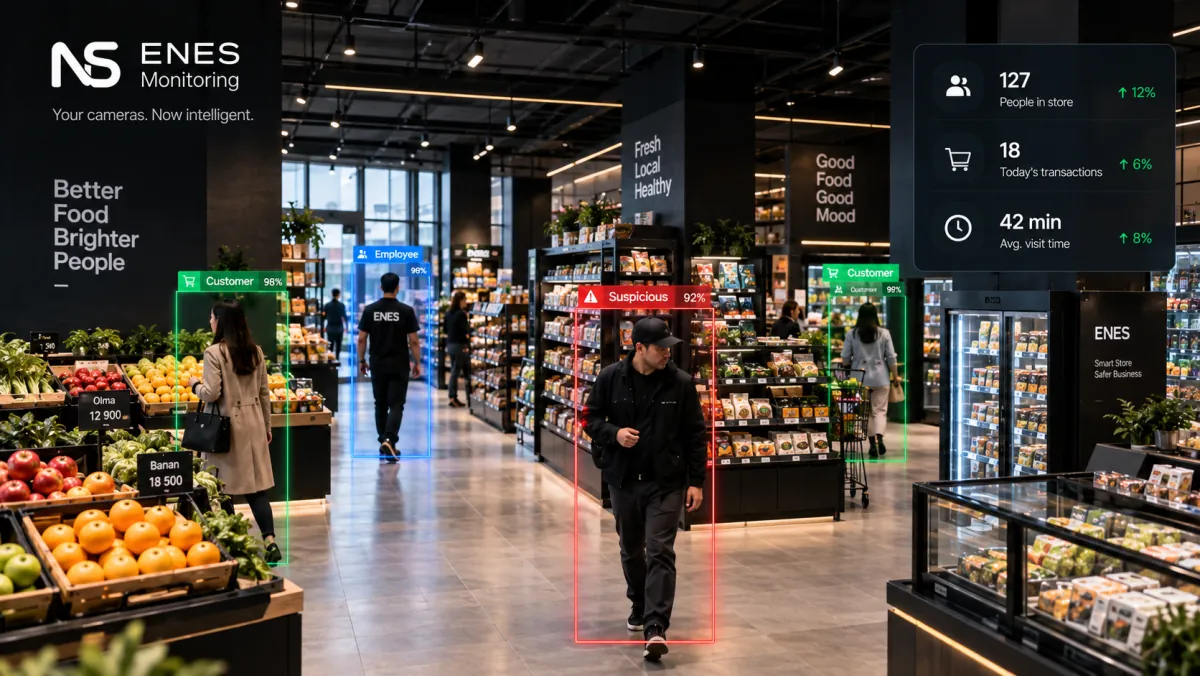
AI analyses the frame on the shop PC: counts people, draws the movement map, measures the queue. Only events and numbers go to the cloud — never video.
How it works
No new cameras and no new cables — the software sits on top of what you have.
Install: Next → Next → Done. Step-by-step guide
No new hardware needed
Chaqimchi connects to the RTSP stream, not to a brand. If your camera or NVR streams on the local network, the system works with it. Tested devices: Hikvision, HiLook, Dahua and Uniview NVRs.
We check other brands for free before connecting. The PC in the photo is the shop's own; we do not sell hardware.
What you will see
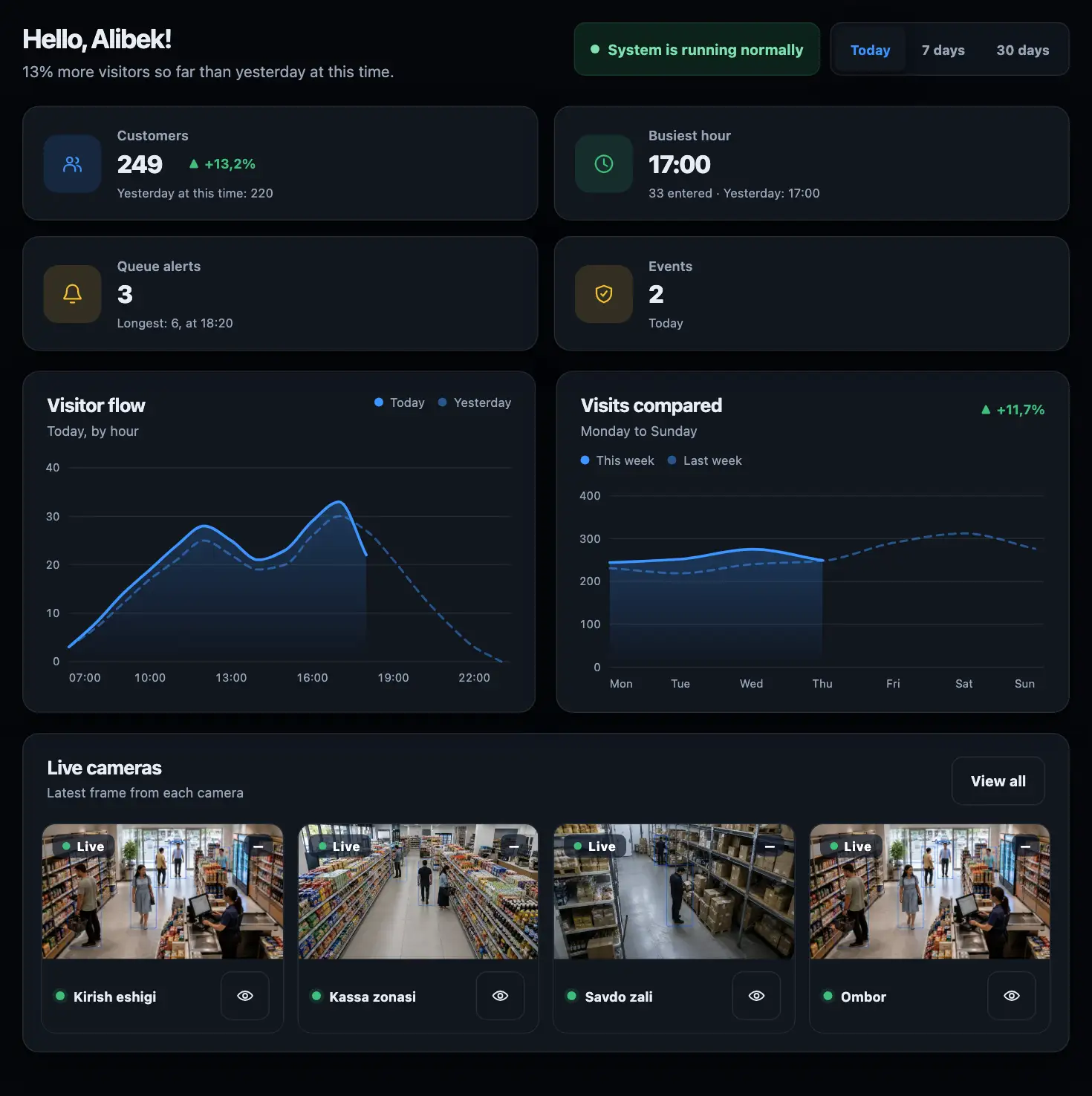
Even when you are away: how many came in, which hour was busiest, how long the queue got.
Three simple plans
Cheaper than one extra shop assistant, never takes a day off and never gets sick. Pricing depends on your shop and camera count.
No hidden fees. Pay yearly and get 2 months free.
Pick the number of shops and the features you need to see an estimated monthly total. Final terms are agreed in conversation.
Pilot on the Business plan: staff attendance (Face ID) — pilot; returning-customer count — anonymous, no names, pilot. Both are off by default and switched on by agreement with the shop. Customers are never identified. Attendance data is stored on our server in Europe. Where the data is stored (in Uzbek).
A school, learning centre or university? Separate pricing for education.
Start for free
Leave your name and phone number. We will assess your equipment and get back to you about installation and the 7-day free trial.
Frequently asked questions
Yes. A PC running Windows 10/11 is enough: download the app, Next → Next → Done, then connect the cameras in the browser. If your NVR is already on the network, the whole process usually takes up to 30 minutes. If the NVR needs setting up too — 45–90 minutes with a technician. Step-by-step guide.
Leave your number — we will tell you which ordinary PC is enough. We do not sell ready-made devices yet.
Usually not. If your camera or NVR provides an RTSP stream on the local network, the system works with it. Tested devices: Hikvision, HiLook, Dahua and Uniview NVRs. Other brands may work too — we check for free before connecting.
The full video archive stays on your own NVR or PC. Only event statistics and short clips are sent to the cloud, encrypted.
One till and one entrance — Starter is enough: you see how many people came in and out. Need queues, security and the shop map — Business. More than two shops — ask about Network. You can change plans later.
Right now you receive an invoice and an operator confirms the payment. Cash or bank transfer. No long-term contract. Once online providers are connected, the panel shows only the working method. Full refund within 14 days of the first payment — terms in the public offer.